✨ New AI Chat Enhancements Are Here
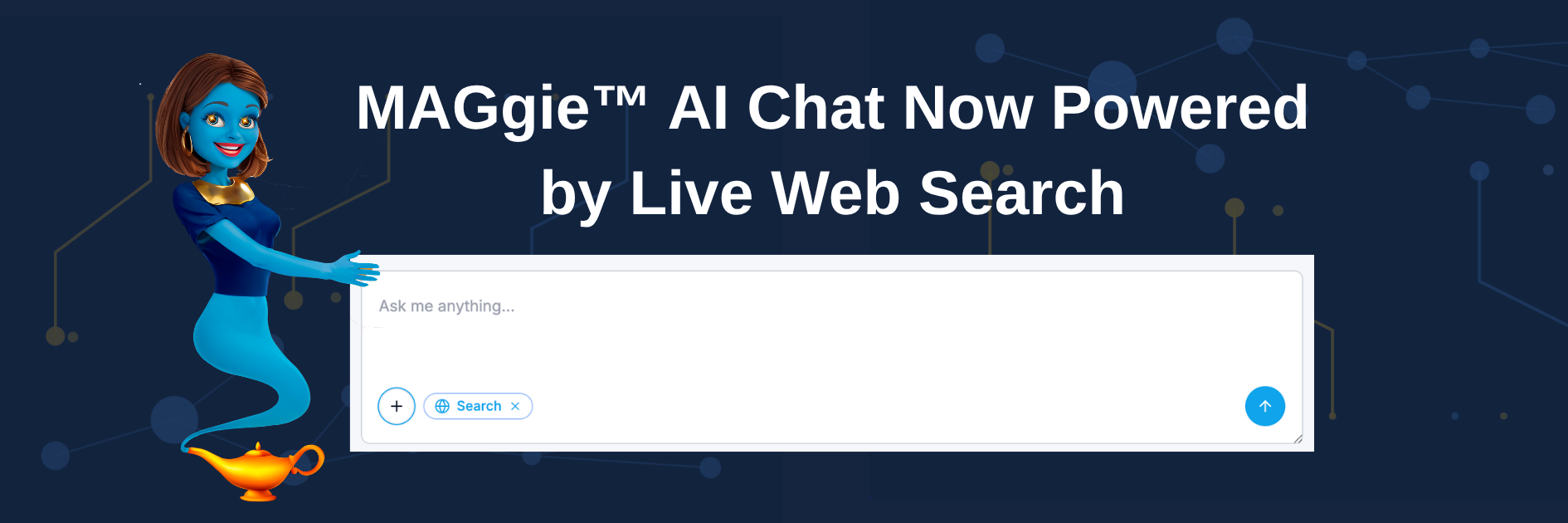
We’ve introduced improvements to the MAGgie™ AI Chat experience across the Chrome Extension and Web App, helping you access more up-to-date information directly within your workflow.
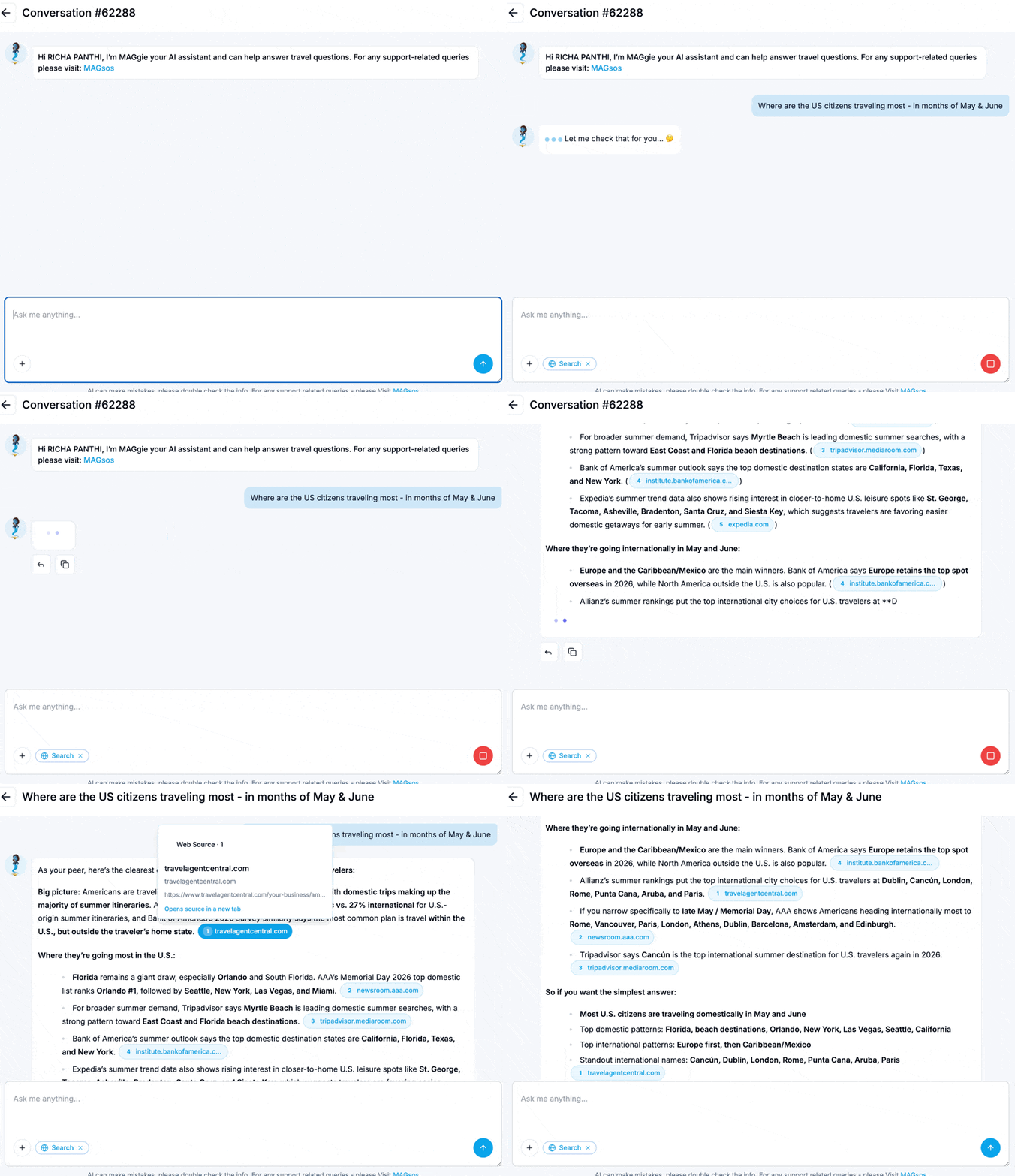
🌐 Web Search in MAGgie™ AI Chat
MAGgie™ can now search the web in real time to provide more up-to-date and relevant responses.
🔎 Real-time web-powered answers for broader and fresher information
📚 Inline source links so you can instantly verify and explore references
How to enable Web Search?
Click on the “+” icon in the chat box and select the “Web Search” option.
You will see the label “Search” with a globe icon - this indicates that Web Search is enabled
To disable it, click the “X” icon on the “Search” label.
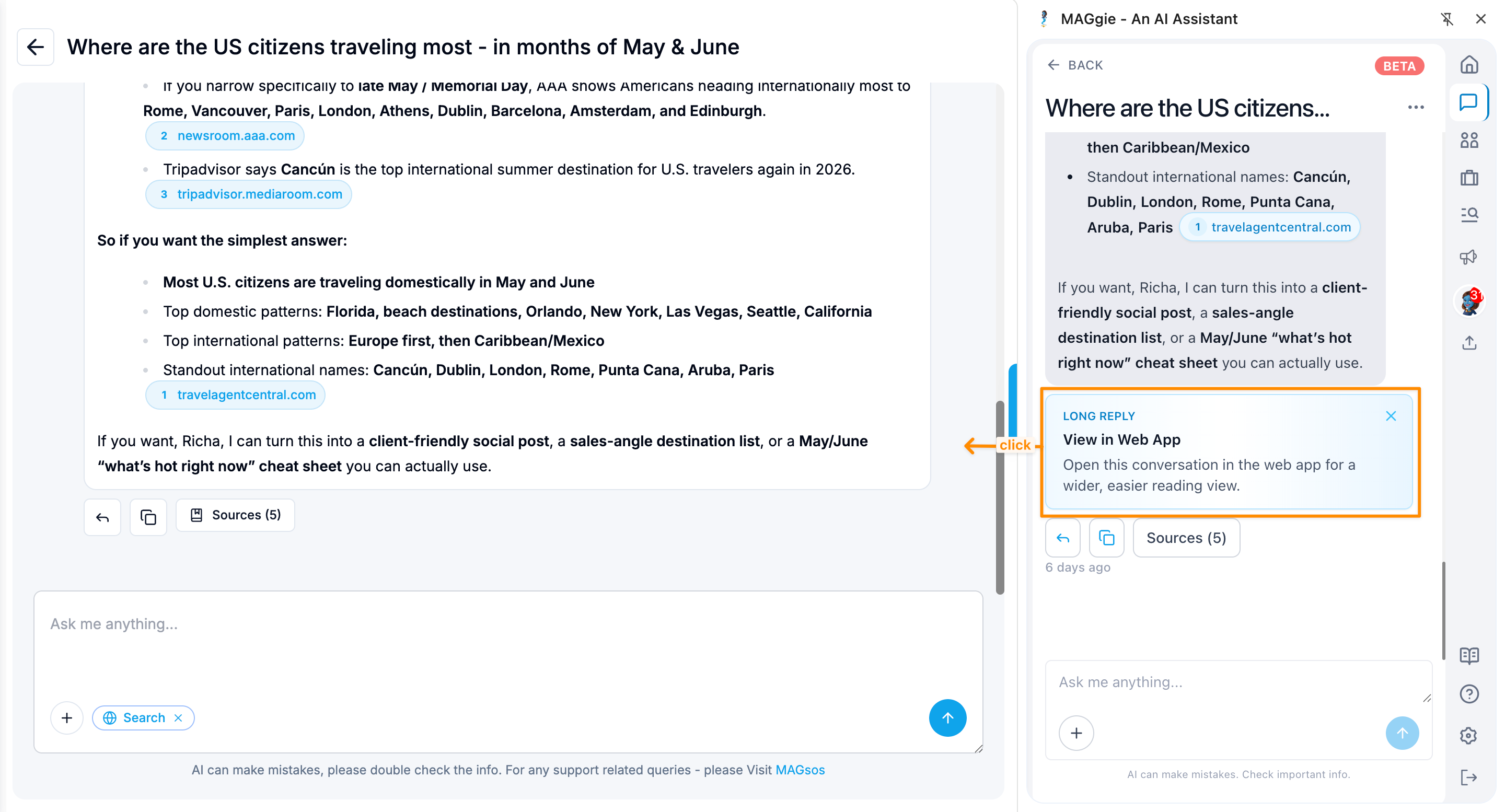
💬 Long Chat? Open It Instantly in the Web App
When a conversation gets too long inside the compact Chrome Extension view, you can instantly open that same chat in the Web App with a single click - no need to manually open MAGgie™ web app, search for the thread, or switch contexts.
Continue right where you left off in a larger, more comfortable workspace.